

Learn kudurru,
one step at a time.
Set up your network, understand each DNS answer, and make kudurru your own. Short walkthroughs take you from your first sign-in to working DNS and DHCP.
What do you want to do?
- First steps
Start a node, sign in, connect a client and read its first queries.
- Use each dashboard page
Find short instructions for every dashboard page, from activity and policies to access and audit.
- Filtering
Add a block list or restore a site that a list blocks.
- Set up DHCP
Choose Kubernetes relays or a Linux host, create a scope and check a client lease.
- Local DNS
Create a zone and give a device a name on your network.
Deployment paths
Home user
Home network in one containerOne
docker runor compose file, the dashboard on port 8080, blocking with per-device rules, and local names for the things on your network.Kubernetes operator
Kubernetes with HelmTwo charts, CRDs as the source of truth, replicas that answer from memory through an apiserver outage, and aggregated RBAC roles.
Network admin
Highly available DNS for a networkA virtual IP held by keepalived, dnsdist on every host, real client addresses through authenticated PROXYv2, and zone transfers to your existing secondaries.
API and CLI user
Automate with the API and the CLIOne REST API behind the dashboard, the CLI and your scripts, with scoped tokens, Kubernetes-shaped objects and a generated OpenAPI document.
Reference and background
- Settings reference
Every key of
kudurru.yaml: type, default, scope, environment variable. - CRD reference
DNSZone,DNSRecordSet,BlockList,ClientGroupandPolicy, field by field. - REST API reference
The OpenAPI document, the endpoint index with permissions, and an API explorer.
- CLI reference
Every
kudurrucommand and flag. - Migration guides
Compare and migrate from Pi-hole, AdGuard Home or Technitium.
- Architecture
How kudurru works inside, with a diagram for every flow: queries, policies, upstreams, the store, deployment shapes.
Version and access
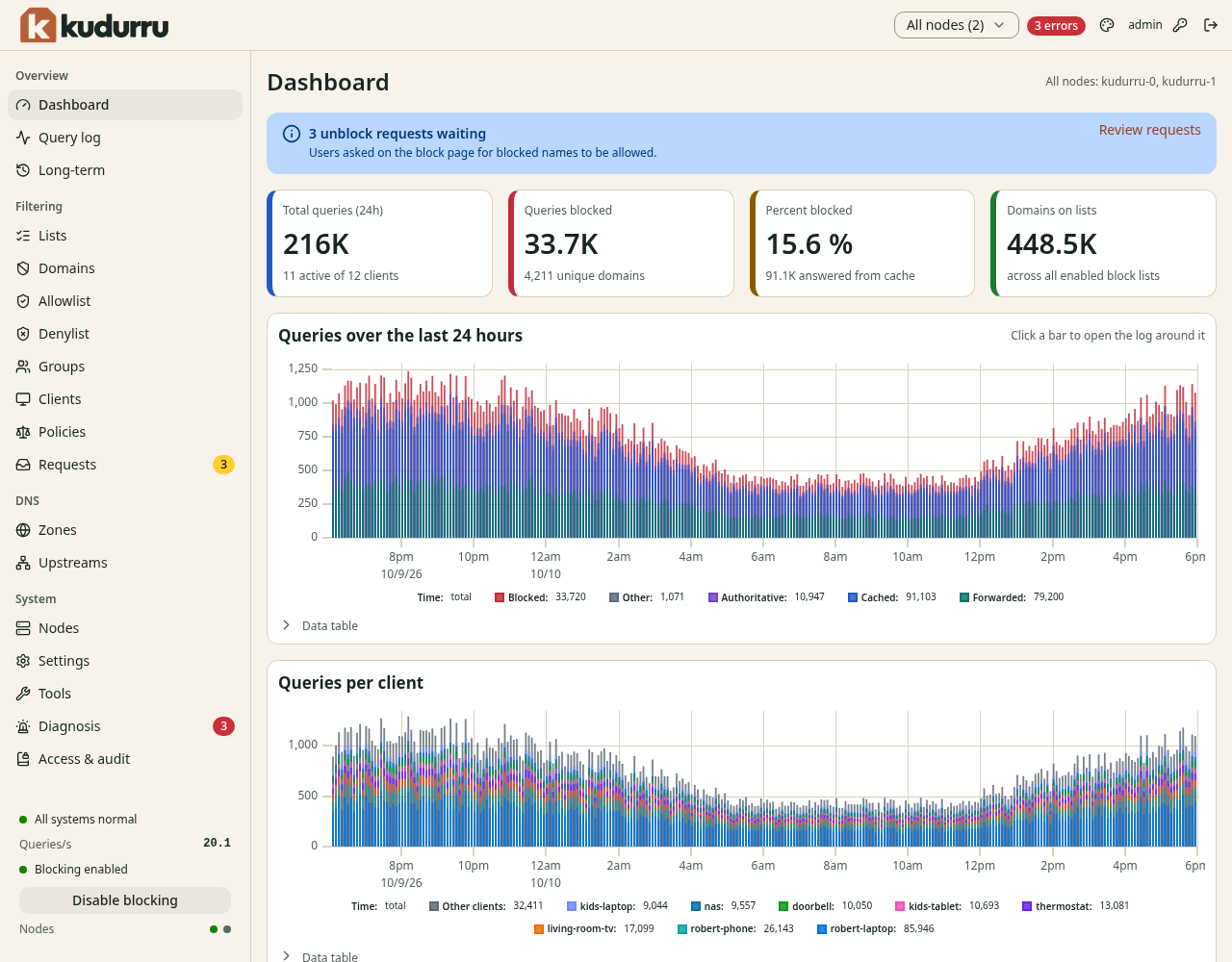
These guides describe v0.1.0 ("stone"). See the changelog for release details and known limitations. Screenshots use demo data; your names and addresses are different.
The published documentation is available without a login. kudurru is source-available under the Community License; business and government production use needs a commercial agreement. Some features need a license key. See Licensing for eligibility and entitlements.