
Trace a configuration change
Before you start
- You need the
auditororadminrole and a license key. - You need the approximate actor, object kind or time of the change.
Find an event
- Open System > Audit Log.
- Enter the account or program in Actor, if known.
- Select an object Kind to narrow the results.
- Select Time order.
- Click an event row to expand it.
- Read the action, object, result, request context and before/after documents.
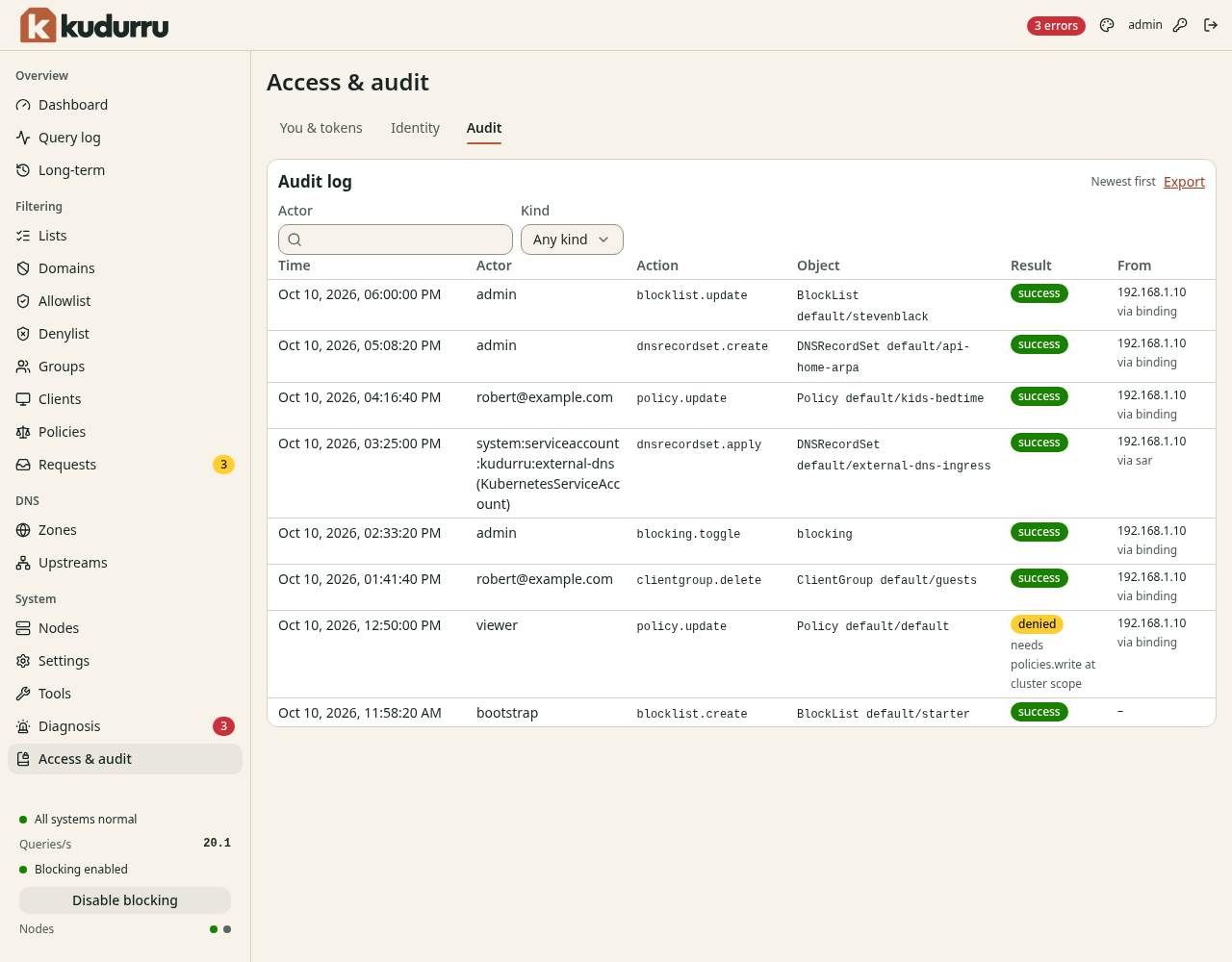
Figure 1. An event records who changed an object and whether the action succeeded.
Click Load older events, or Load newer events in the opposite order, to continue through retained history. Refresh retrieves current events. In Kubernetes, an event can take up to 30 seconds to appear on another replica.
apitoken.create and apitoken.delete record token creation and revocation.
Dashboard sign-in does not create an API token.
A denied result identifies an action that lacked permission.
Verify and export
- Click Verify integrity.
- Read the result and check time.
- Click Export to download JSON lines.
- Keep the export outside the kudurru database if you need an independent record.
Verification checks the complete retained store, independent of the displayed filters. Verification unavailable means the check could not complete. An integrity failure means changed records, broken links or invalid seals. See the audit reference for verification limits.
Check the result
You can identify the actor, action and result for the change. Open the exported file to confirm that it contains the events you need.