
Review and answer an access request
Before you start
- You need the
operatororadminrole to answer requests. - You need a license key for access requests.
- Users need a configured block page with the request form enabled.
Review the request
- Open Filtering > Requests.
- Find a request with the state Pending.
- Click its name to open the detail page.
- Read the domain, requester, reason and decision history.
- Read recent queries if your role can access them.
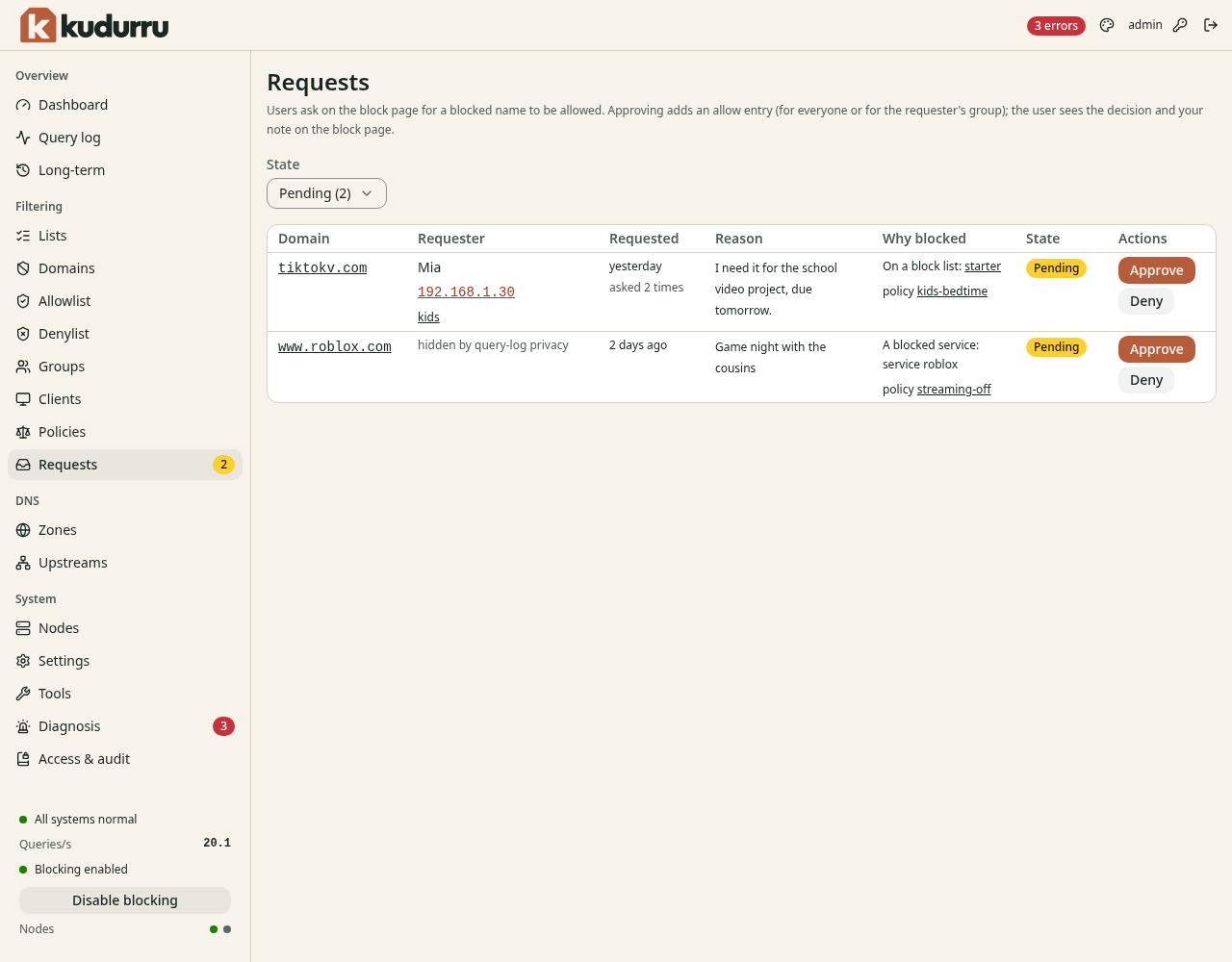
Figure 1. Review the name and client before you approve access.
Approve focused access
- Click Approve.
- Select Everyone or The requester's group in Scope.
- Select This name only in Match.
- Select a Duration.
- Enter a Note that explains the decision.
- Click Approve.
An approval adds an allow entry. A time limit ends automatically. A group approval needs a policy that covers that group. Managed policies need their allow list references updated at the source.
To refuse a pending request, click Deny, enter a note, then click Deny. To revoke an approval, find the approved request and deny it.
CAUTION: Deleting a request with permanent approval does not remove its allow entry. Deny the approval first when you intend to revoke access.
Check the result
The request detail page records the decision and its note. Ask the requester to retry the site. Check the client's query log for the new answer. Use Allowlist to inspect the resulting rule.