
Set DNS for Kubernetes DHCP clients
Before you start
- You need the open wizard after the Addresses step.
- You need a dedicated local domain for client names.
Set the local domain
- Click Next to open DNS.
- Enter
lan.home.arpain Domain name, or use your planned domain. - Turn on Register lease names in DNS to publish A and PTR records.
- Keep Lease record TTL at
30sfor this example.
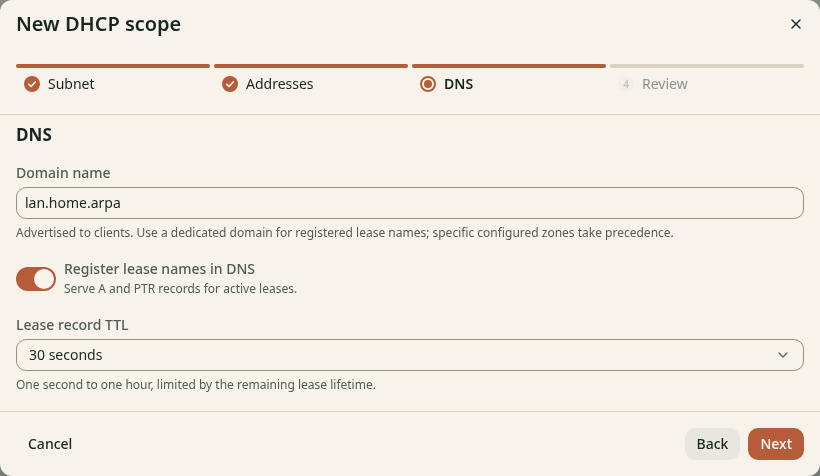
Figure 1. Active leases can publish local DNS names.
A more specific configured zone takes precedence over automatic lease names. See Lease DNS for the rules. A reservation alone does not publish a name before the client has a lease.
Check the result
The domain matches your plan. Clients with a hostname can get names such as
laptop.lan.home.arpa after they acquire a lease.
Keep the wizard open and continue to Review and save.