
Review and save the DHCP scope
Before you start
- You need the
adminrole and the open New DHCP scope wizard. - You need to complete the DNS step.
Review and save
- Click Next to open Review.
- Check the interface, subnet, pool, router and DNS addresses.
- Click Save scope.
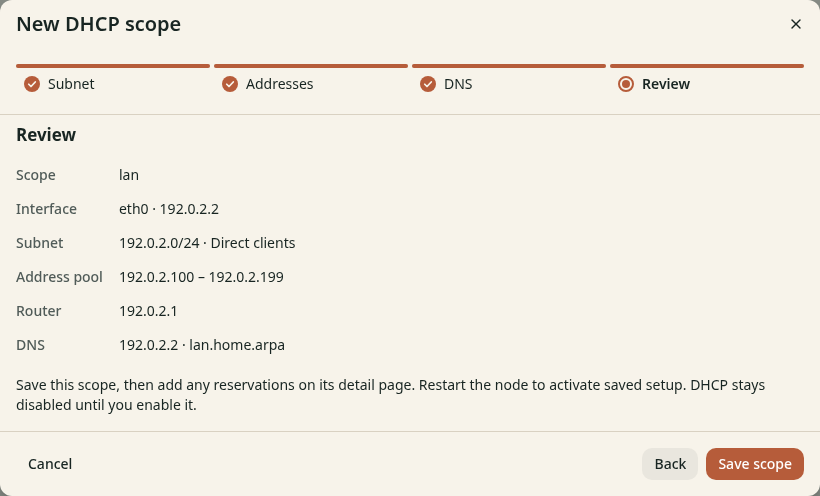
Figure 1. Check every address before you save.
Check the result
The scope detail page opens. Setup for next restart shows the saved values. DHCP stays disabled until you enable it and restart the node. Continue with Activate and check DHCP.